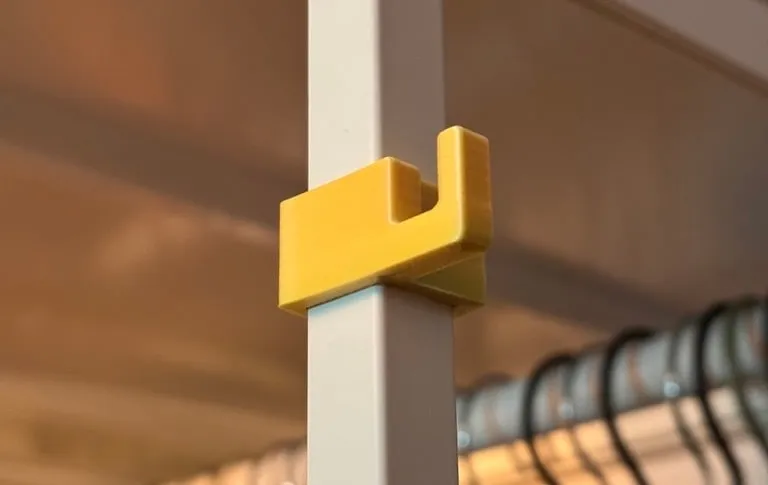
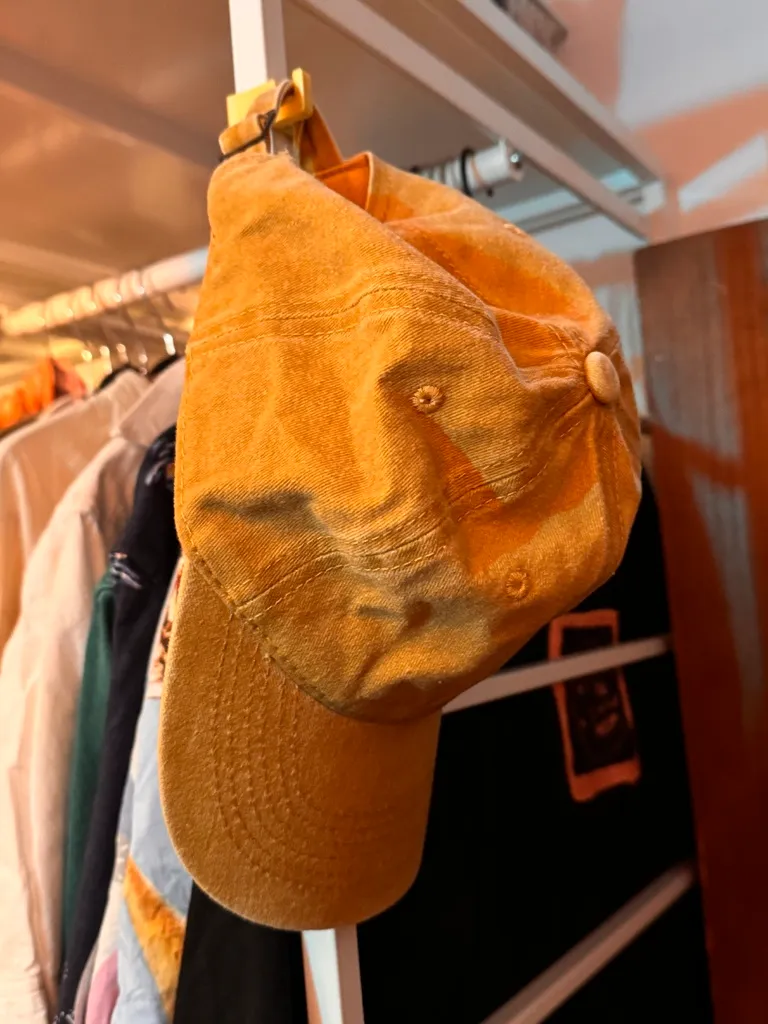
This is my review of the Pebble Time 2, as a previous user of Apple Watch (series 9) with an iPhone and Pixel Watch (series 4) with a Pixel.

Background
A couple of years back, I got an Apple Watch for the fitness rings, the notifications, and I like a good gadget. It of course fit seamlessly in with the other Apple devices I use, and it worked flawlessly, though charging daily was a little annoying.
When the Pixel 10 came out, I hopped over to it and the Pixel Watch 4. It’s not quite as seamless as Apple’s ecosystem, but Android delivers more personality, and importantly for me: customisation. Thousands of watchfaces and the ability to add my own.
I was 16 when the first Pebble Time came out, but wistful mentions in tech publications and Linus on the WAN Show meant that when Eric Migicovsky posted about bringing the Pebble back, I preordered one right away.

Notifications, calendar, 2 week+ battery, e-paper display, open source everything. Sounds perfect.
And… it delivers!
Battery
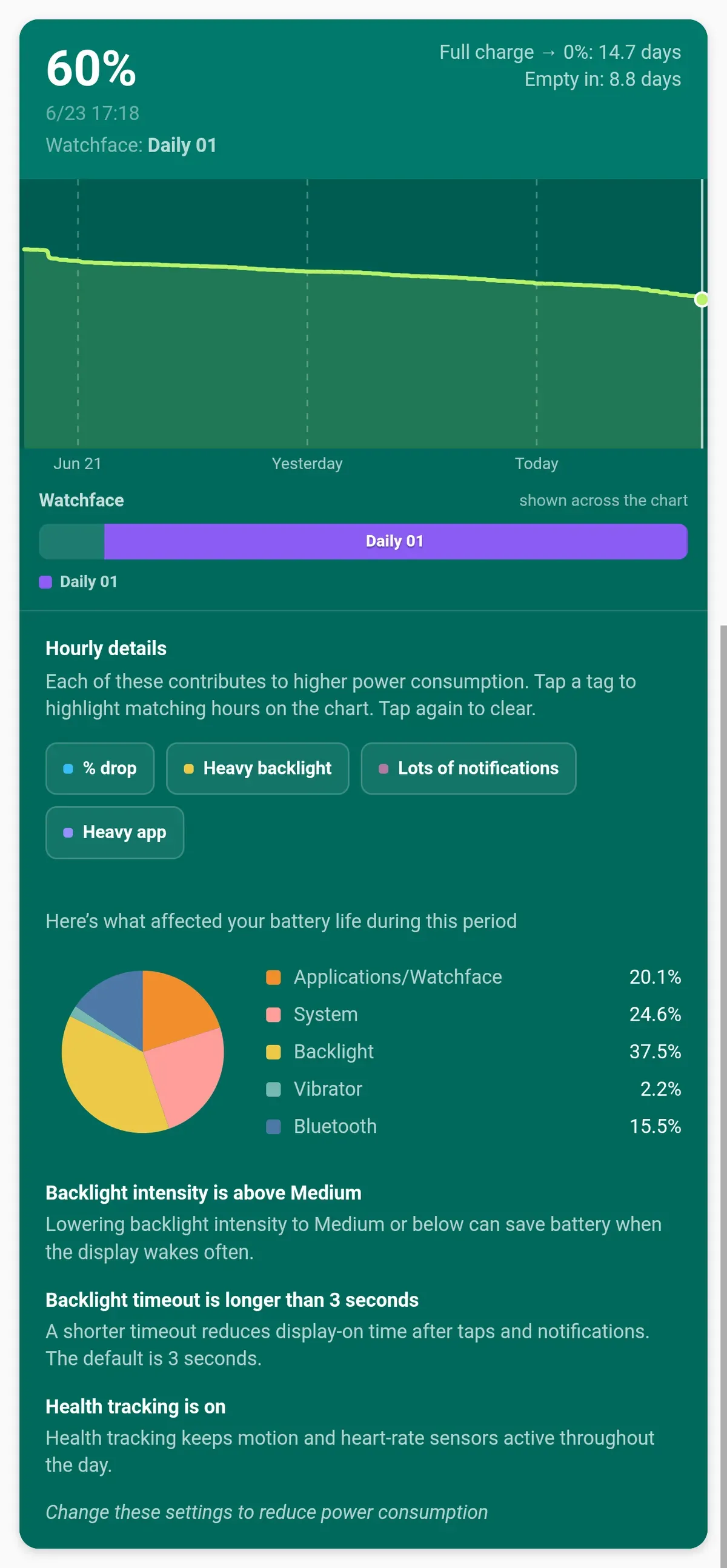
A month ago my Pebble arrived. I charged it to full, charged once again since and today I’m on 60% battery. I believe Core Devices are aiming for even better battery life, but 2 weeks is pretty good and the little charging puck keyring is a good way not to lose a dongle you’ll be using only once or twice a month!
Health
The Pebble Time 2 features heart rate, step, and sleep tracking, which are fine, except I’m a bit of a nerd and quite like the in-depth data I was getting from the Apple / Pixel watches.
Whilst Pebble integrates nicely with Google Health via Health Connect on Android and provides basic step and sleep tracking, I found the stats not to be particularly accurate at times, and regardless wanted more in-depth stats.
And perfect timing: Google brought out the Fitbit Air, a screenless band which lasts weeks on a charge, and which I’ve been wearing alongside the watch for the last 3 weeks.
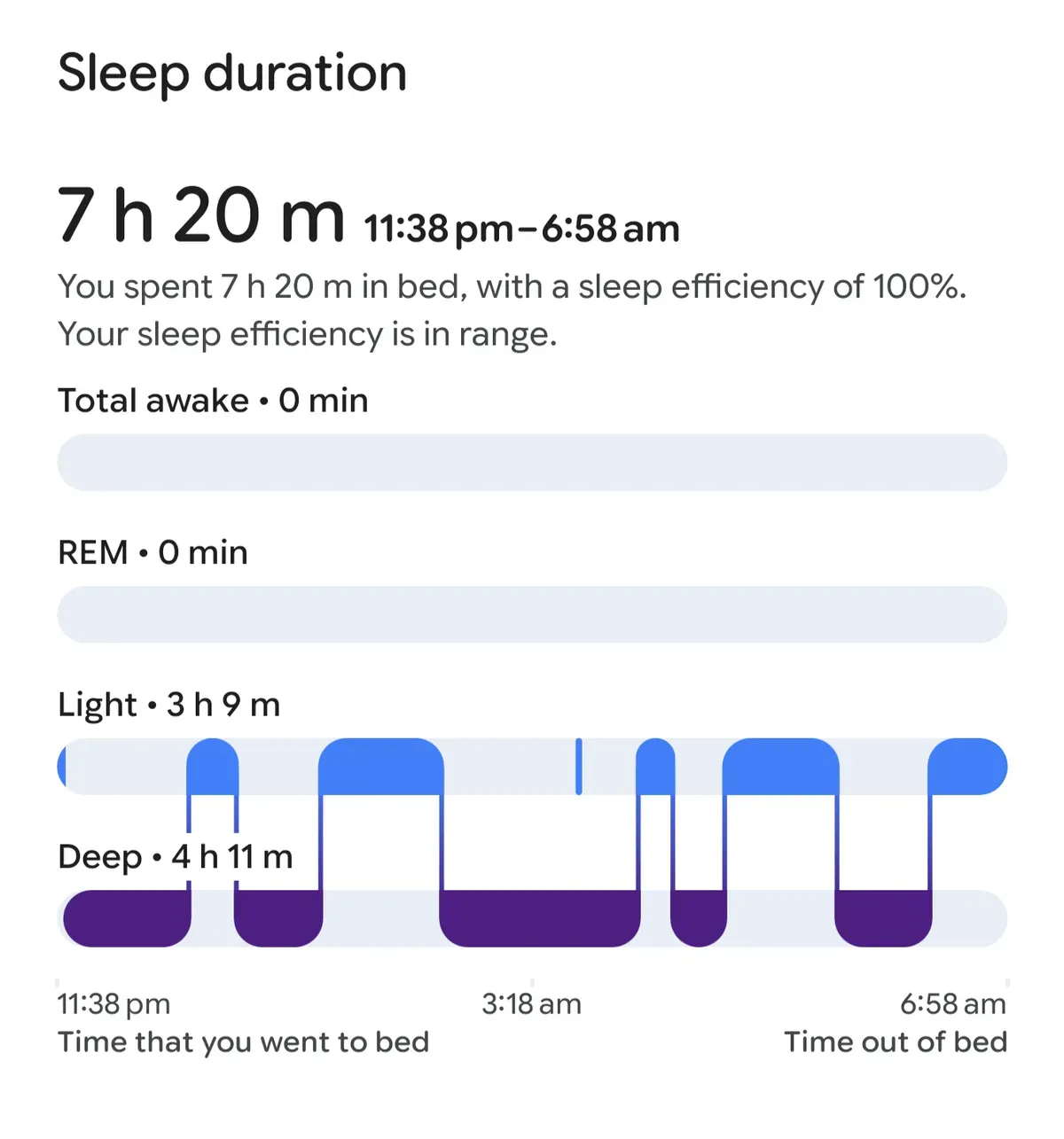 This is data from a night where Pebble tracked my sleep. It missed me waking up for a while during that night.
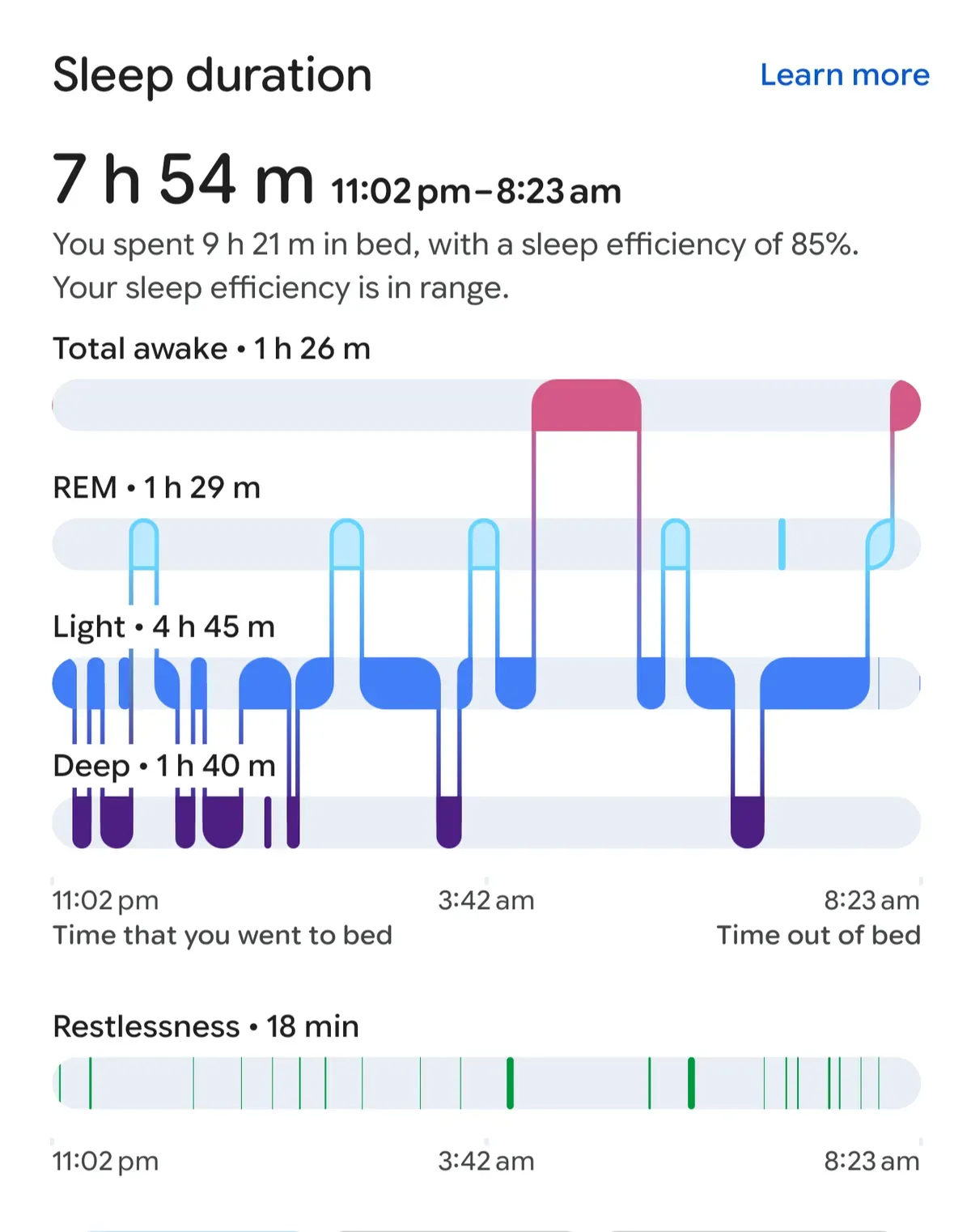 And a day where FitBit tracked my sleep
But I wanted my stats to sync to the watch and get the same rings experience I enjoyed on the previous watches, and I wanted a watchface designed to feel like my other projects like the personal AI/tasks/notes app I made for myself:
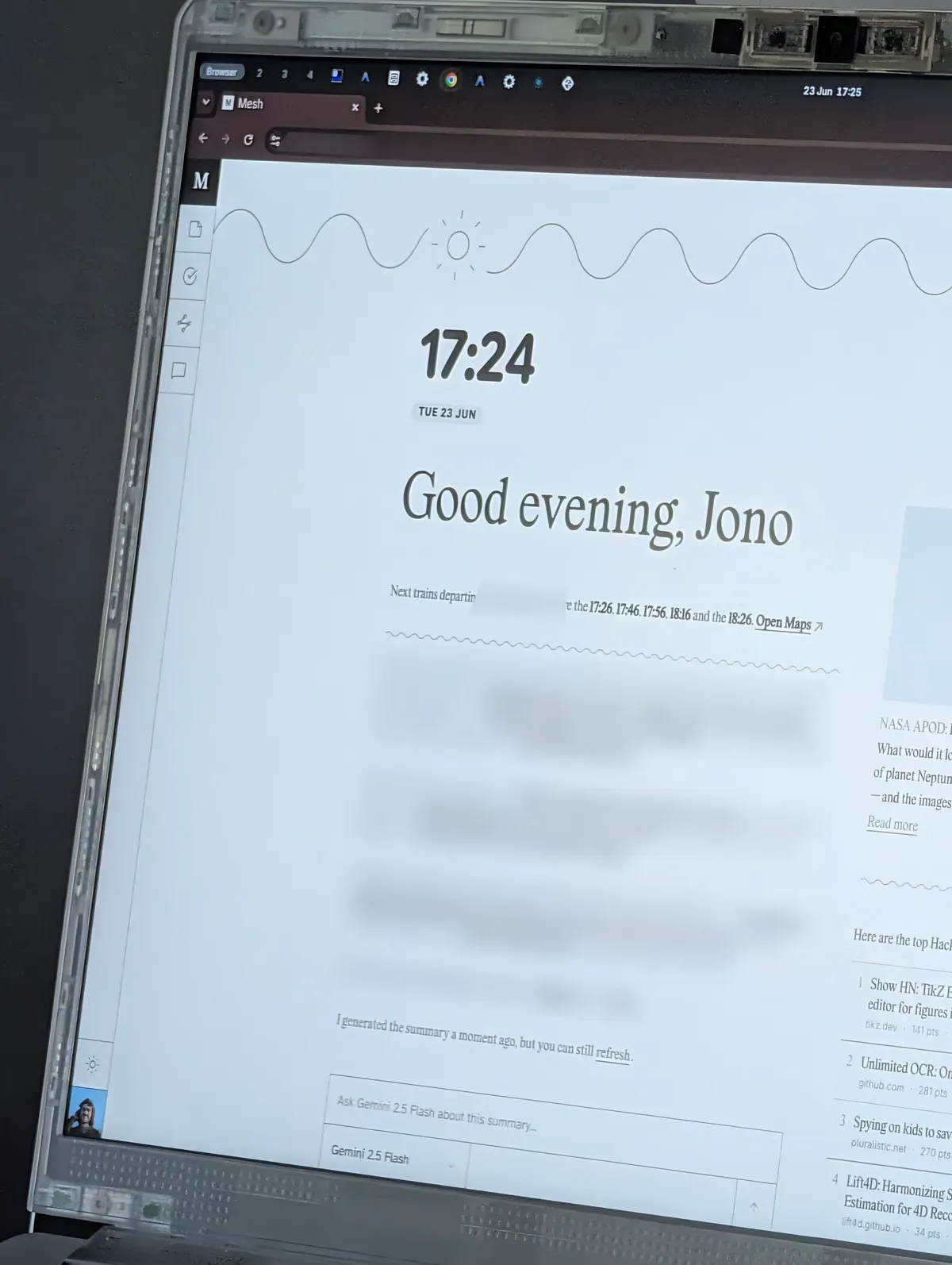
Tinkering
…and you can just do that. In fact, Core Devices even released a skill which gives an agent everything needed to help you build a watchface.
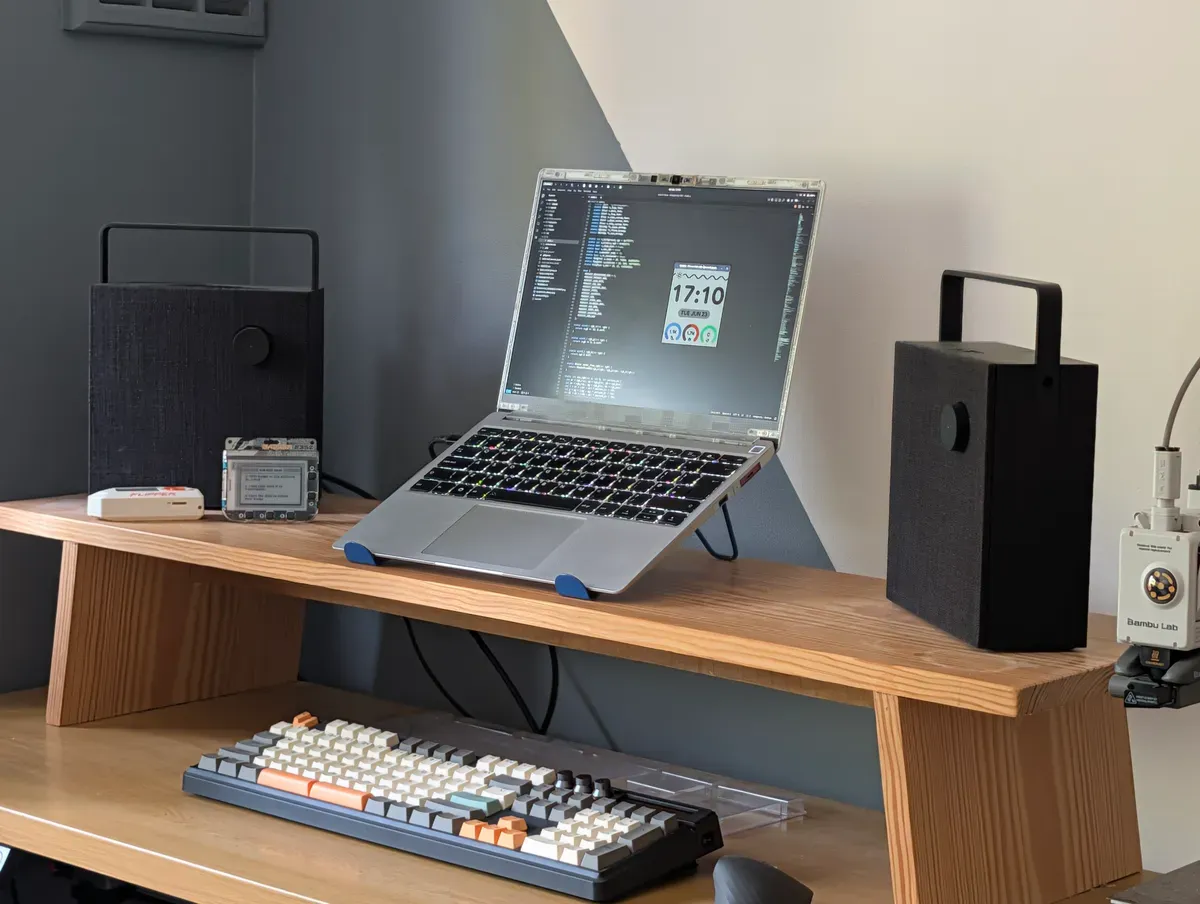
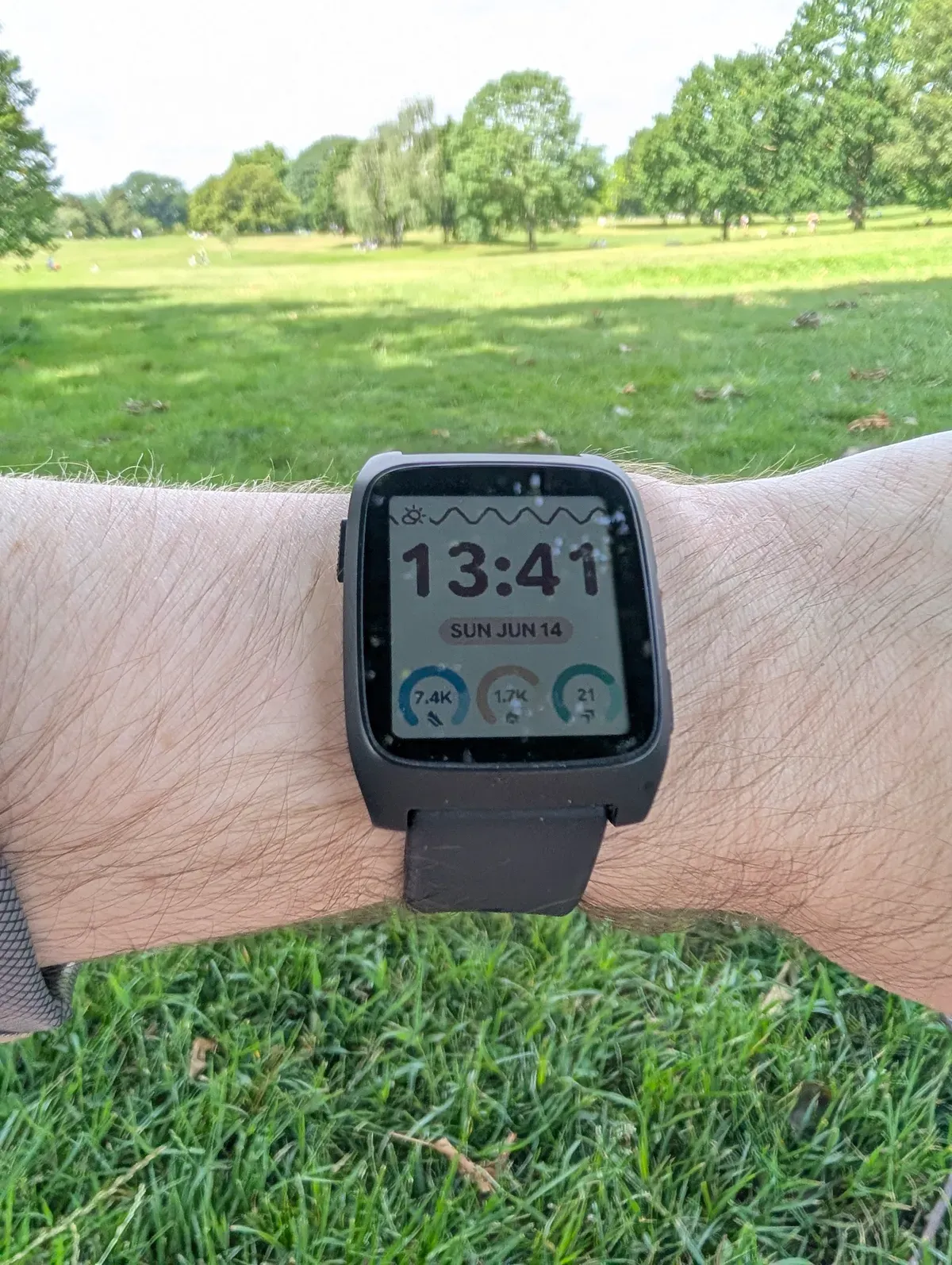
I’m just thrilled with this one I made! I even checked the battery usage, thinking perhaps my watchface and syncing would cause increased drain on phone or watch. And no; still going at the same rate!
PebbleOS
PebbleOS brings me so much joy. To me it’s the perfect balance of functionality and personality.
Compared to Google’s WearOS and Apple’s WatchOS, despite the fun transitions and animations, there’s virtually no waiting for anything.
Of course, there’s significantly less happening on a Pebble, but if, like me, all you’re after is great watchfaces, notifications, smart alarms, and a timeline (more on that in a moment), the Pebble doesn’t just cover them, it’s even FASTER; menus and apps open instantly, and notifications arrive as soon as they do on my phone.
The timeline is a feature I didn’t know I wanted. The bottom button is preset to open the timeline (instantly!) which lists everything coming up in all my calendars. Sounds simple, but even WearOS doesn’t natively support some work calendars e.g. Google Workspace and Outlook correctly, and opening calendar on both Apple and Google watches is STILL not as clean and fast as the timeline on the Pebble.
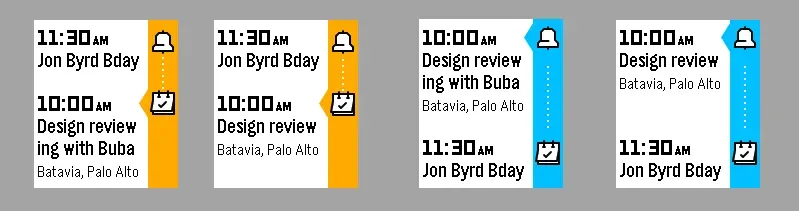 Image credit: Thomas Stoeckert
Overall the UX and UI are so thoughtful and I’ve not found myself frustrated by the form-over-function choices latent in other smartwatch OSs, and yet the Pebble has so much more personality!
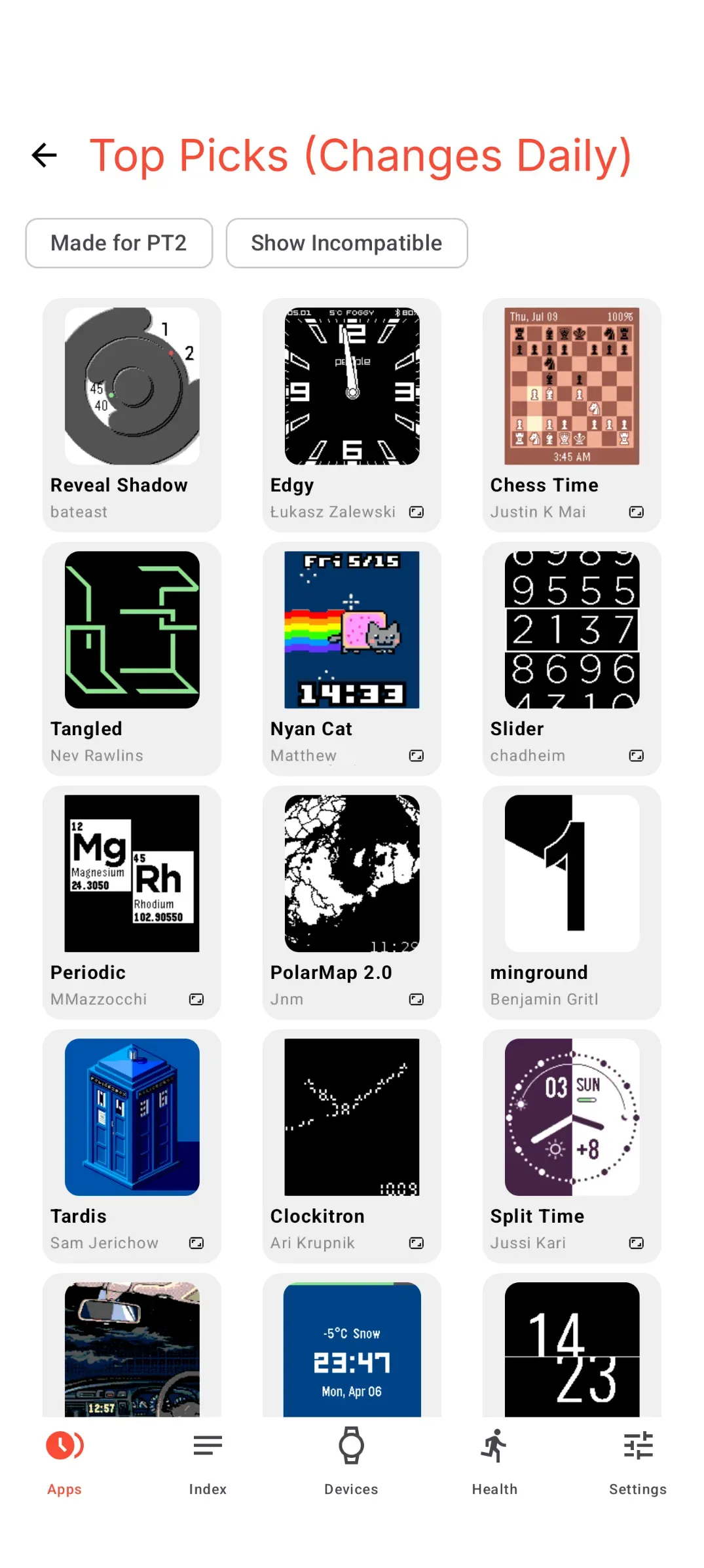
There’s a very extensive collection of old and new watchfaces in the Pebble store, and some fun apps too!
Hardware
I admit when Eric announced some design changes on his podcast and blog, I wasn’t all that excited, however in person, my Pebble looks and feels great. It’s solid, the buttons are grippy and satisfying and it’s a good size.
The screen is dimmer/less reflective than I expected compared to some e-ink displays I’ve used in the past (the Pebble’s screen is e-paper and technically a Sharp Memory LCD). However it’s definitely not unreadable and the customisable backlight does a more than good enough job at night.
The colours on the screen are more vibrant than I expected. And the refresh rate is WAY better too, coming from tinkering with e-ink screens.
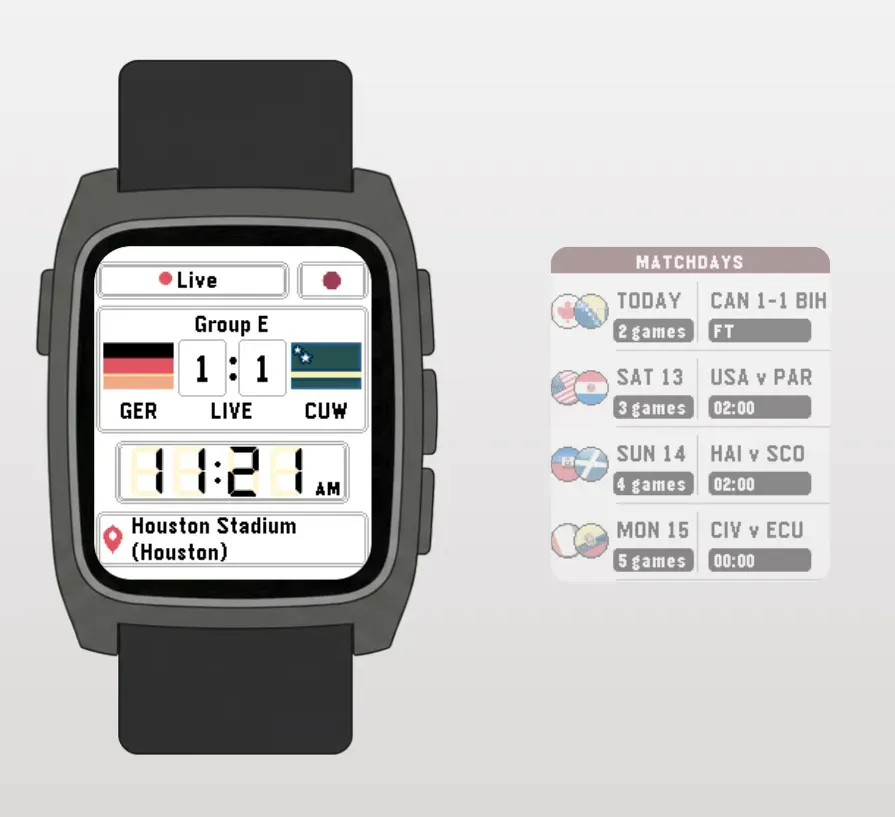
Touch support has recently become possible to add to apps, and I’ve seen some cool examples like this World Cup 2026 one:
As for bands, it’s cool that the Pebble uses standard 22mm quick release pins, of which there are countless options everywhere.
Comfort
The watch itself is very comfortable. I even initially forgot to add a comment on comfort becasue I didn’t even notice it! Feels light on the wrist. I am however, looking forward to getting a band more similar to the Apple braided selection which I enjoyed.
Price
The Pebble Time 2 cost me £185 ($250) + a follow up £40 ($53), so it’s not cheap, but it compares very favourably to my previous smartwatches. For what it is, I’d say excellent value.
Potential downsides
This project is a labour of love rather than a startup trying to sell millions of watches. There may be some rough edges (literally).
…for me there actually haven’t been aside from the occasional voice transcription failing when replying to messages and health tracking not being up to scratch with big tech’s fancy sensors and machine learning (duh!).
I hear iOS is not quite as friendly with 3rd party watches, even with the EU encouraging a level of parity e.g. for passing notifications and so on to the watch, so that might be something to check.
There are some features that in my dream world, I’d carry over from previous watches:
-
The aforementioned better health tracking and more sensors (GPS, Blood Oxygen and so on)
-
Music playback with a direct Bluetooth connection to earbuds (I have to bring my phone when out if I want to listen to music)
-
NFC Payments
Of course to varying extents, these are the trade-offs being made for such great battery life and so on.
Overall
I love being able to tinker with a good gadget. Even better when it’s open source. It’s rare those things happen and the product is as good as, if not better than the big guys’.
I’m writing this on a Framework laptop which has delivered on a similar promise.
Good tech is back!
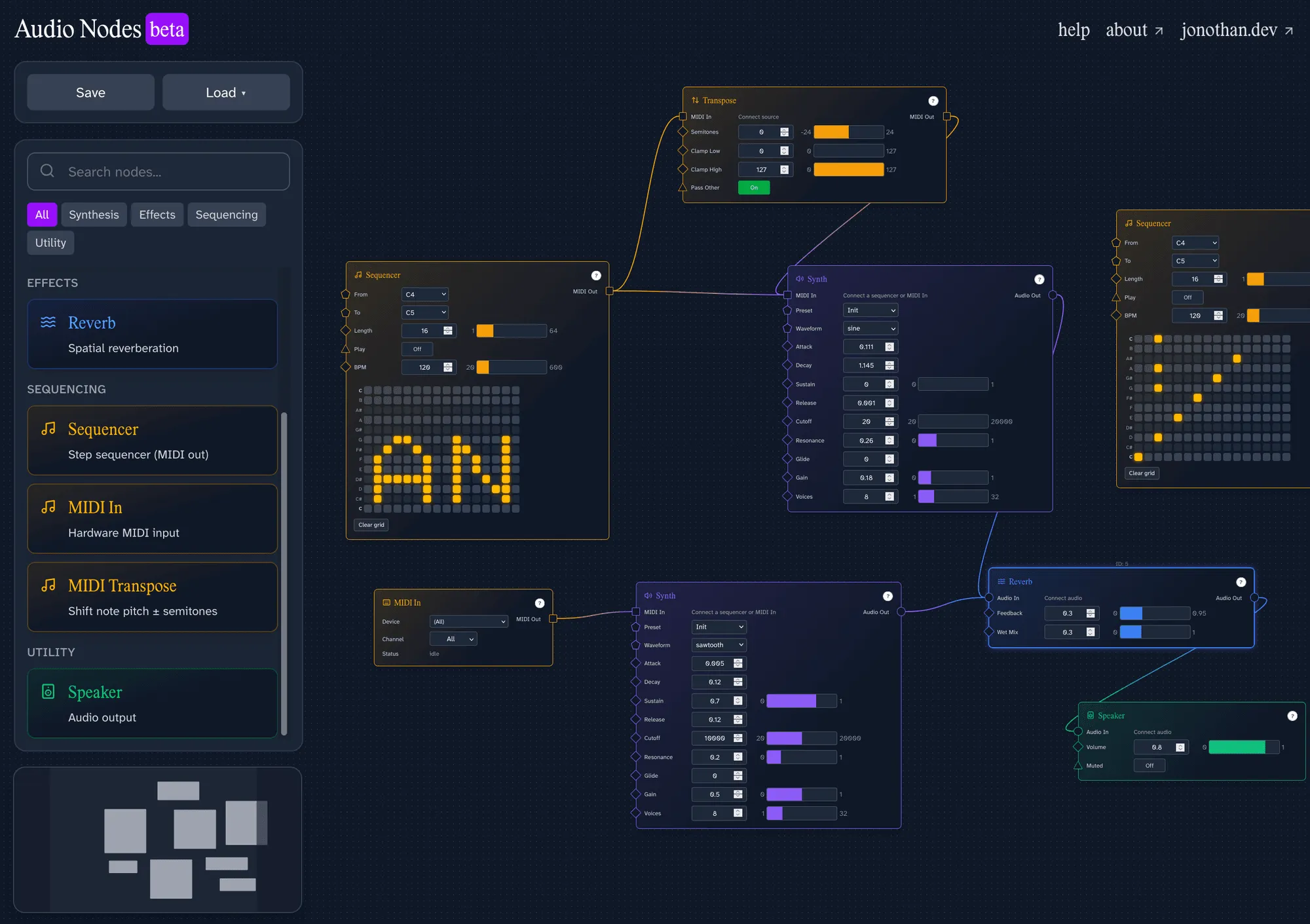
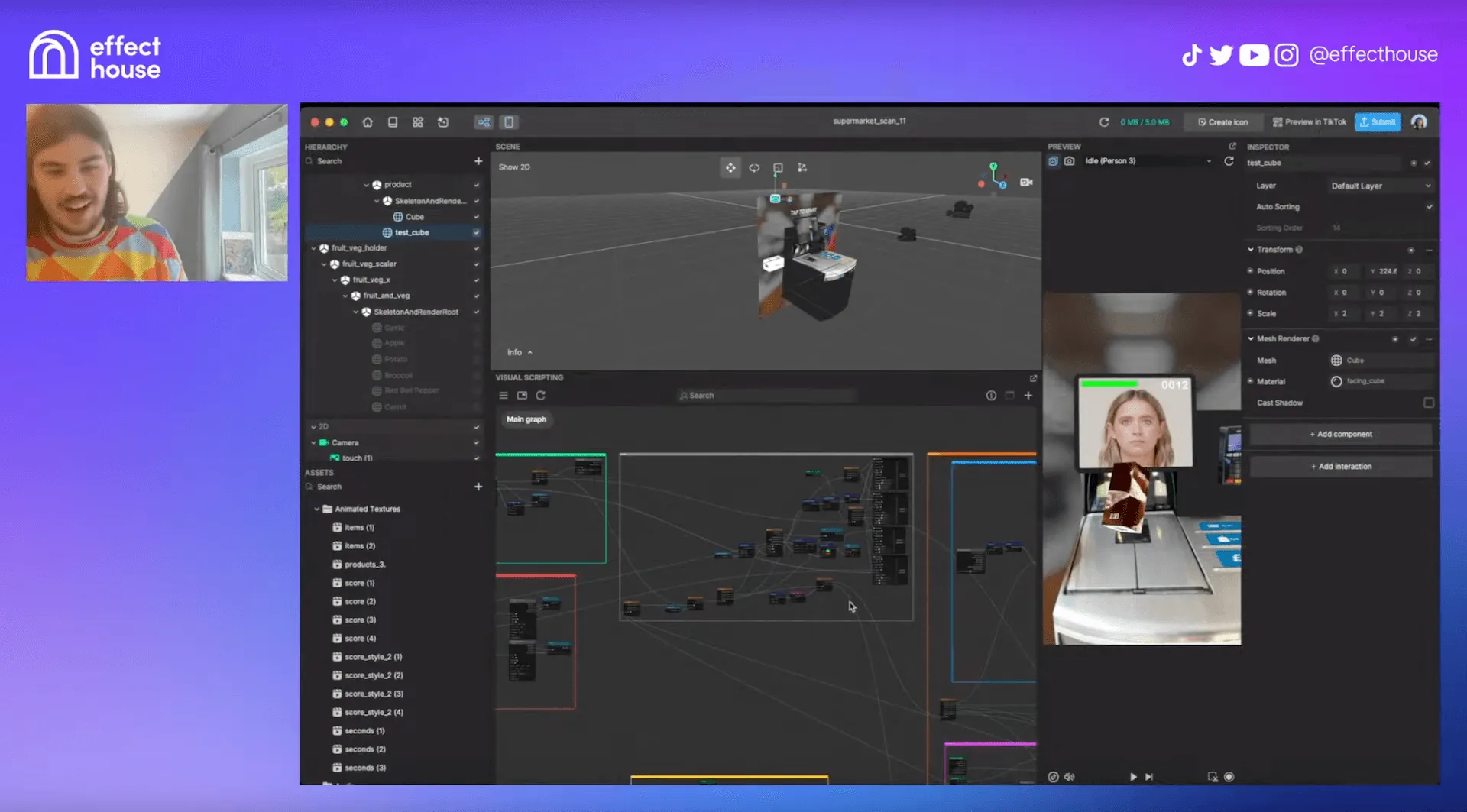 TikTok Effect House
 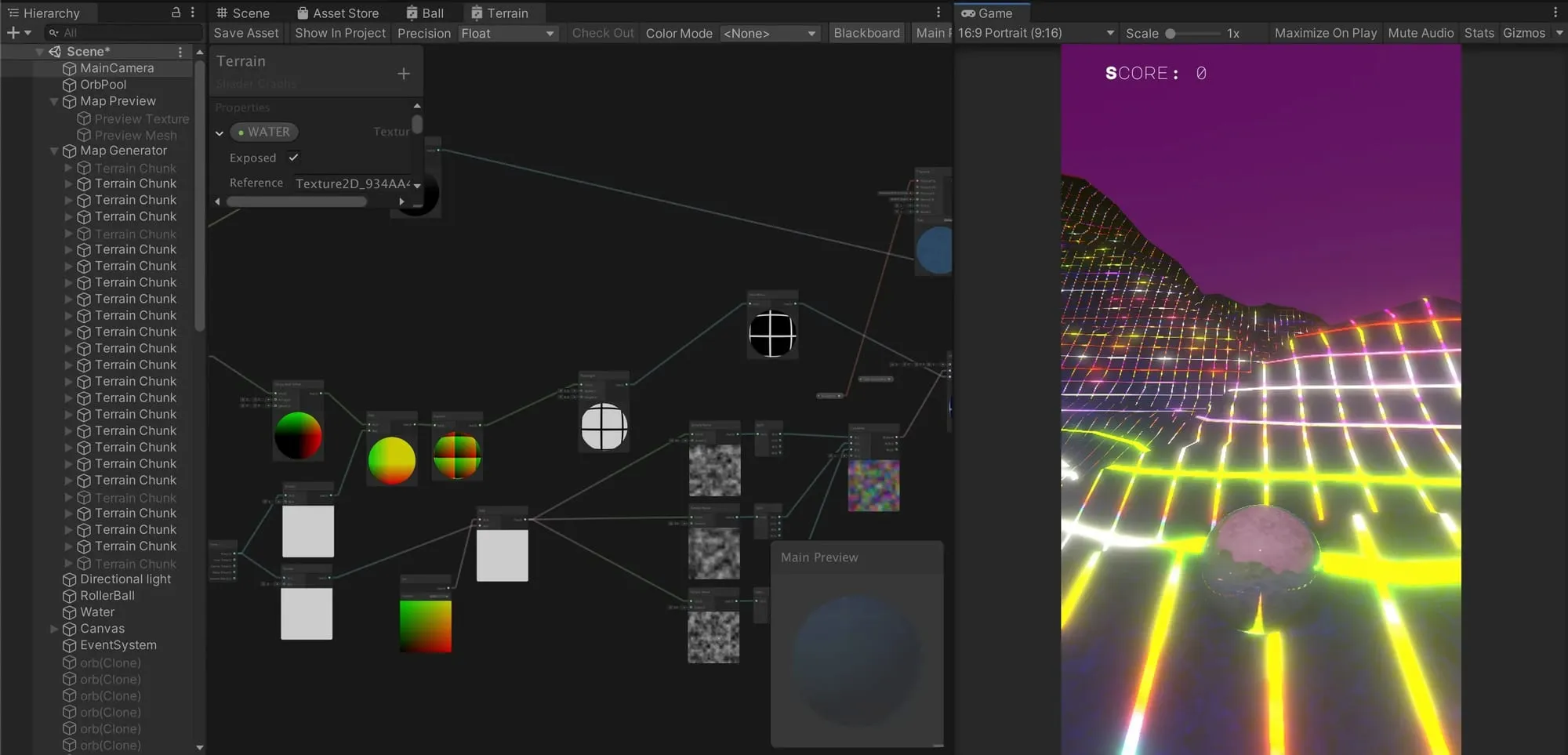 The Unity shader graph (such good times)
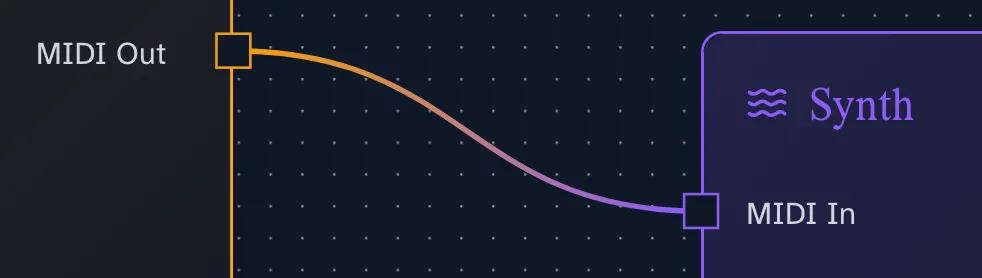 I love styling my projects, and little touches like blending the wire colours between nodes have been so fun to make!